
FactRead
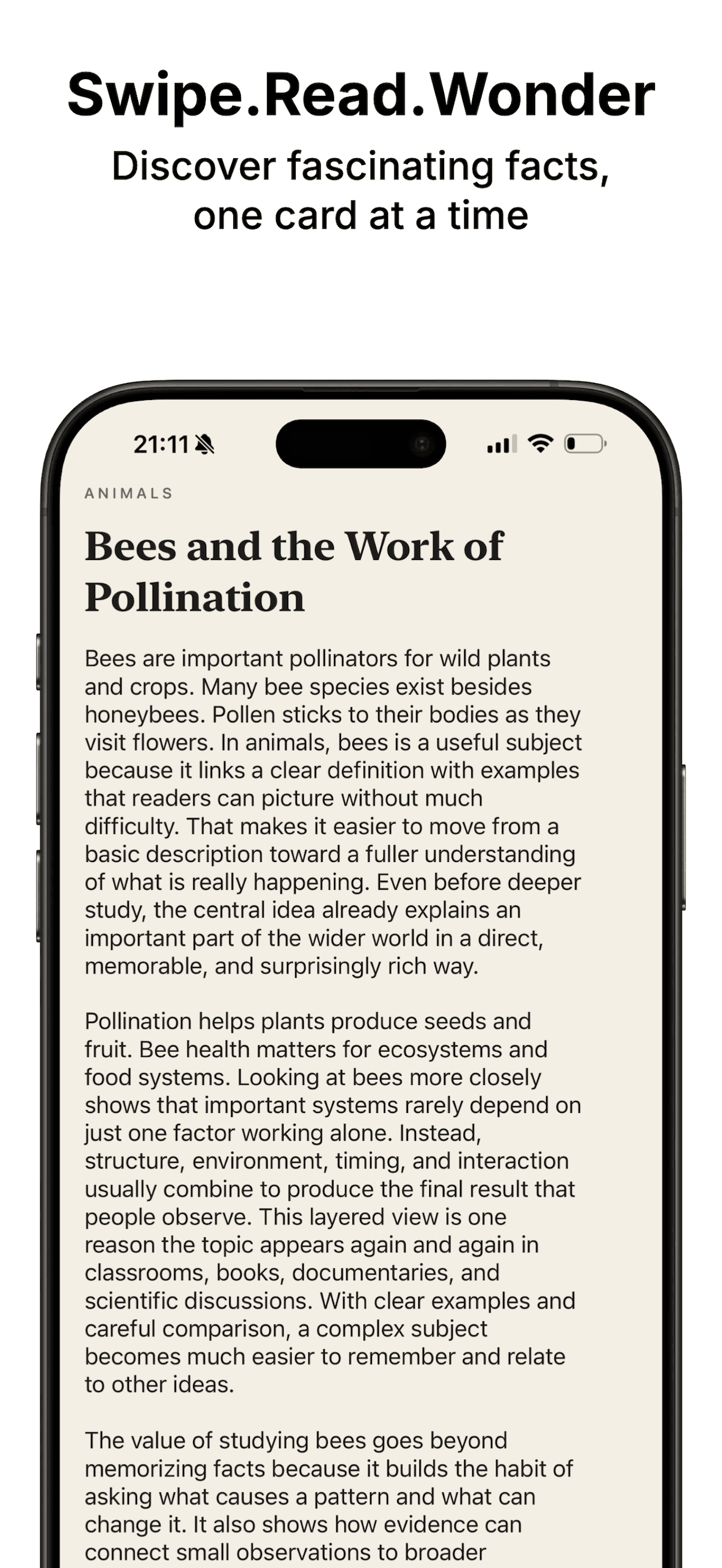
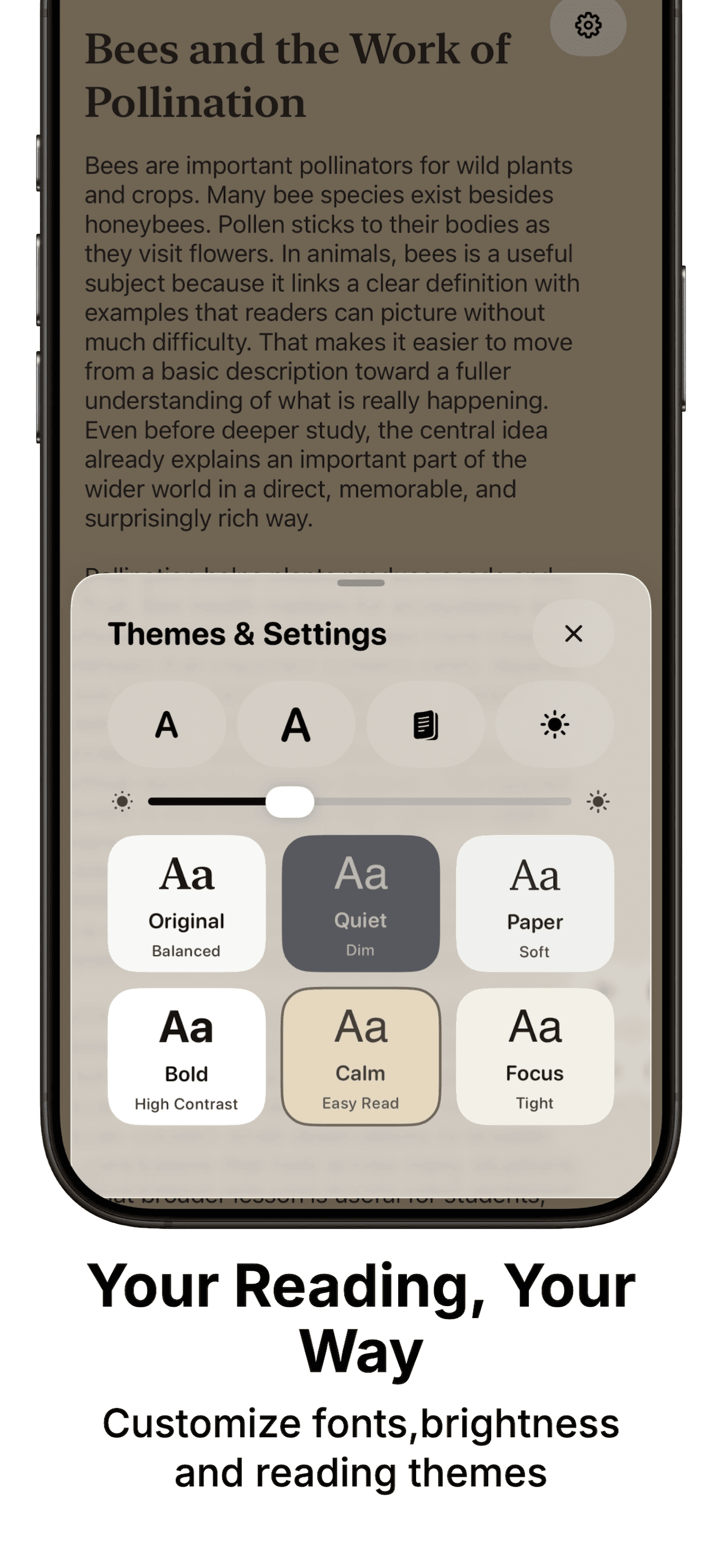
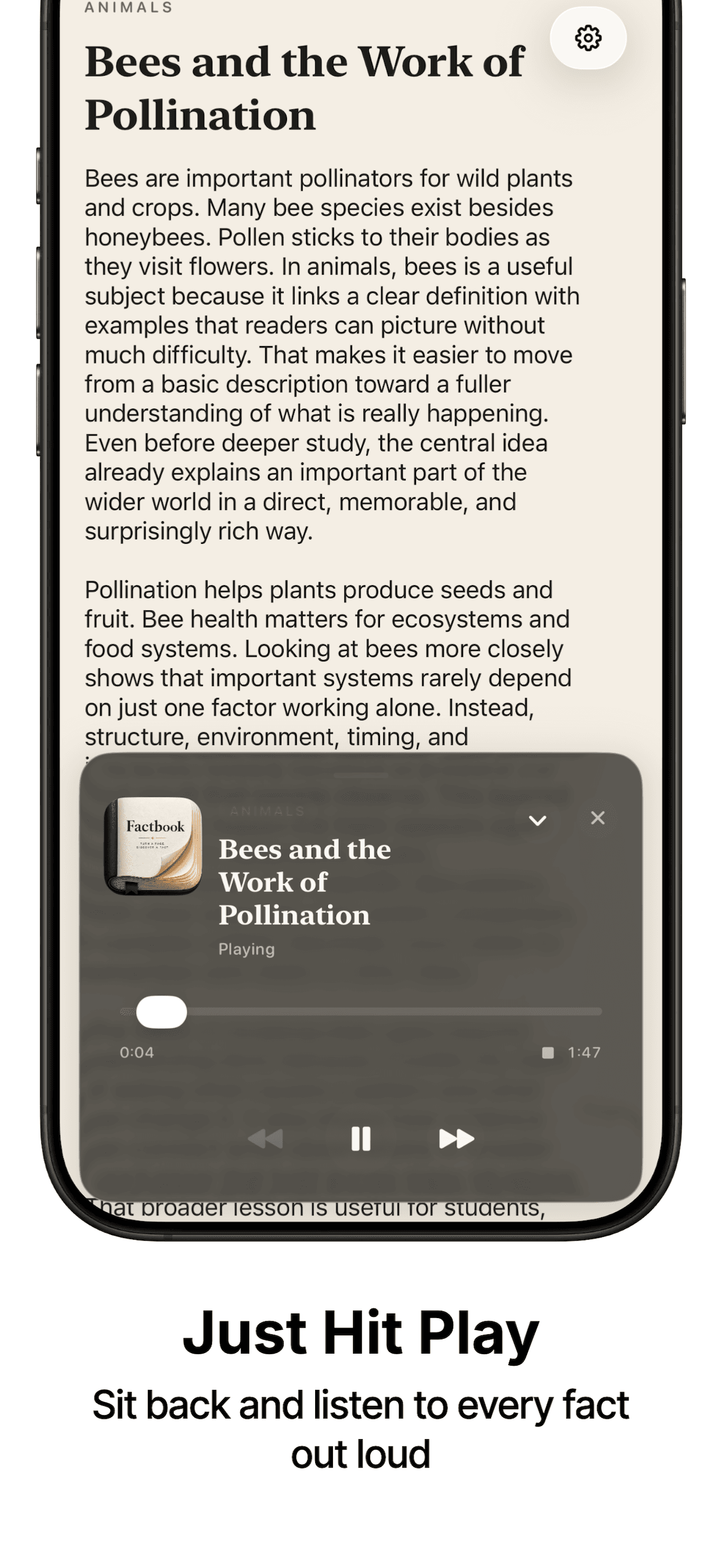
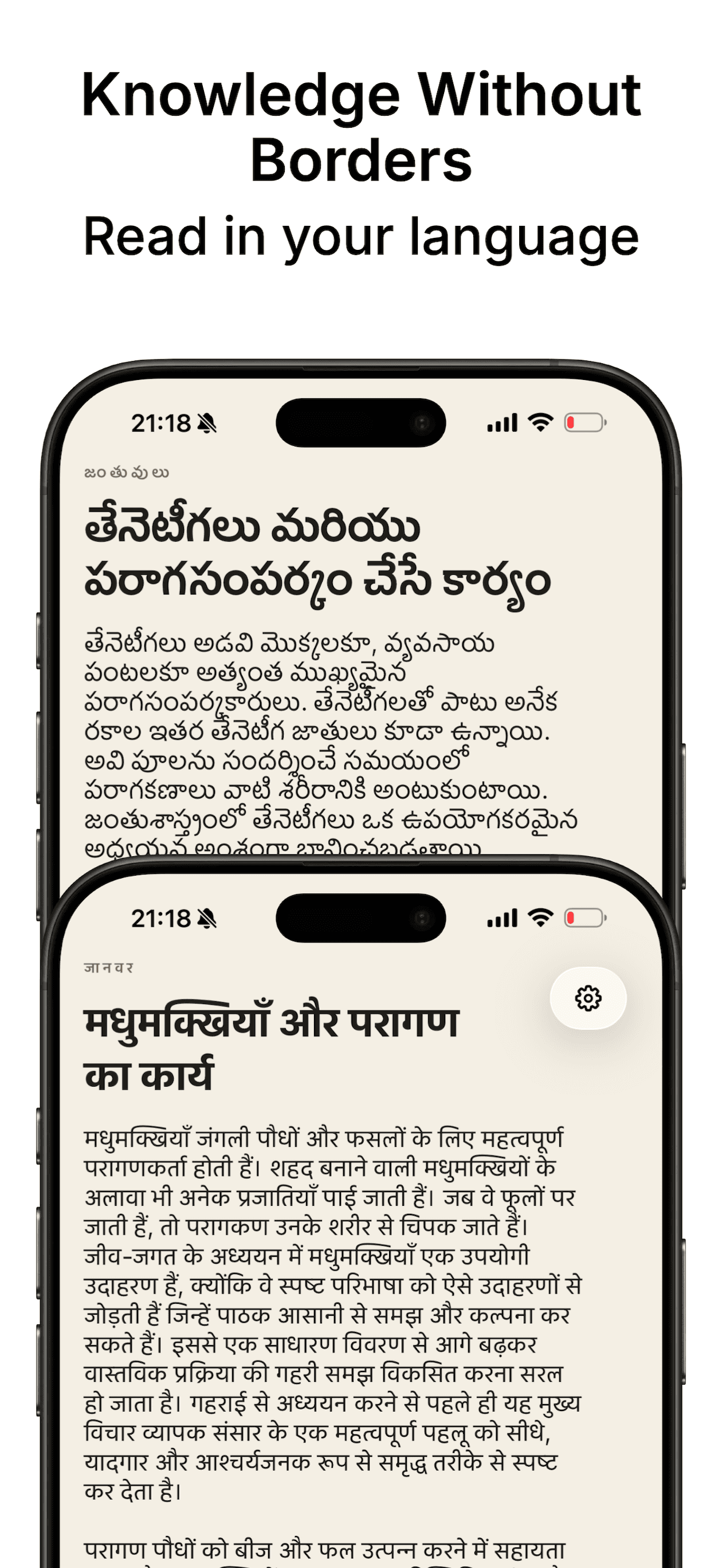
FactRead helps users learn one useful insight at a time with a clean swipe flow. It supports readable typography, multilingual content, and built-in narration. The experience stays fast and focused for short daily learning sessions.
App Previews
Tech Stack
Language: Swift 5. UI: SwiftUI. Persistence: SwiftData. Narration: AVFoundation. Notifications: UserNotifications. Build tooling: Xcode + xcodebuild. Monetization: Google Mobile Ads package. Theming: custom palette system with adaptive light/dark surfaces and conditional glass APIs.
App Architecture
FactRead is a single-scene SwiftUI app with ContentView as the root navigation and sheet presenter for settings, categories, and appearance controls. I split the app into views for rendering, small service objects for cross-cutting behavior, and model/store types for facts and bookmarks.
- Reader is page-driven using indexed immutable page snapshots.
- SwiftUI data flow maps naturally to pagination and settings propagation.
- I used full-screen flows for unstable paths to avoid sheet conflicts.
Fact Reader + Page Turning
The reader uses an active index with precomputed PageSnapshot values. Each page component receives only what it needs (title, body, category, highlights), preventing cross-page mutation bugs and keeping transitions deterministic.
- FactStore loads category facts.
- FactViewModel prepares immutable snapshots.
- FactReaderView renders current page with bounded index setters.
Category Personalization
Category selection is handled in a dedicated sheet and persisted in app settings. Chips, mix recommendations, and toggles write to one source of truth, and reader queries are filtered directly from that state.
- Used deterministic category keys for stable JSON/localization/icon mapping.
- Accepted less flexibility for lower runtime complexity and safer migrations.
Bookmarks Library Flow
Bookmarks are persisted per Fact model and fetched via @Query. Rows open a full-page bookmark reader through NavigationStack + navigationDestination(UUID) instead of nested popups.
- Includes searchable and filterable list flow.
- Handles stale-route fallbacks if a bookmark is removed while open.
- Switched from nested sheets to full-page flow to prevent gesture/lifecycle deadlocks.
Narration + Auto-advance
Narration uses AVSpeechSynthesizer through a shared manager. It announces page position before reading the fact and can auto-advance on utterance completion.
- Voice selection is stored per language.
- Missing voice or interruption paths degrade gracefully to no-op playback.
Background Tasks and Event Refresh
I use lightweight async tasks and observer-driven updates, not polling loops. Reminder scheduling syncs through UserNotifications when setting toggles change, and bookmark counters refresh through library-change notifications.
Input and Interaction Layer
Primary input is touch with taps, swipes, searchable lists, and page-turn gestures. Haptics are user-controlled and rate-limited. Permission scope is intentionally minimal: notifications for reminders only.
Persistence Strategy
Facts are bundled JSON content parsed into SwiftData-backed models for runtime states like bookmarks and timestamps. Settings store theme, voice ID, categories, and behavior toggles. There is currently no cloud sync.
- Conflict handling covers stale category selection and invalid page index.
- Uses bounded index recalculation and immediate context saves.
UI System
I built semantic palette tokens (pageBackground, row surfaces, ink colors) and reusable cards/rows/chips. On supported iOS versions, native glass-like effects are conditionally enabled with clean fallback paths.
Performance Engineering
Main bottlenecks were list churn and heavy bookmark filtering. I reduced recomputation with pre-sorted arrays, filtered projections, stable IDs, and simplified nested background layers.
Bugs and Debugging Stories
The biggest production issues were state-topology bugs, not rendering polish.
- Freeze in Bookmarks/Categories: fixed by moving bookmarks to full-page navigation and simplifying category sheet hierarchy.
- Non-native Done button/glass mismatch: fixed by aligning toolbar semantics and explicit control sizing.
Release Engineering
Builds are validated with xcodebuild on iOS Simulator targets before release tagging. Versioning follows CFBundleShortVersionString + CFBundleVersion. Entitlements stay minimal and purpose-driven.
Business and Product Constraints
I prioritized trust over feature sprawl: stable offline reading, low permission footprint, clear settings, and predictable navigation. Monetization exists, but intrusive ad flows are avoided to protect reading continuity.
Development Workflow
I shipped in tight loops: implement a small slice, run targeted build, test full interaction path, refactor, repeat. Biggest velocity gain came from solving architecture friction early, especially navigation ownership and shared-state boundaries.
Lessons Learned
The hardest SwiftUI bugs are state topology bugs. If multiple layers can present or mutate the same route, freezes and impossible states eventually appear. One owner per flow and bounded state updates are essential.
© 2026 Srivatsav Karamala