Holdboard for iOS
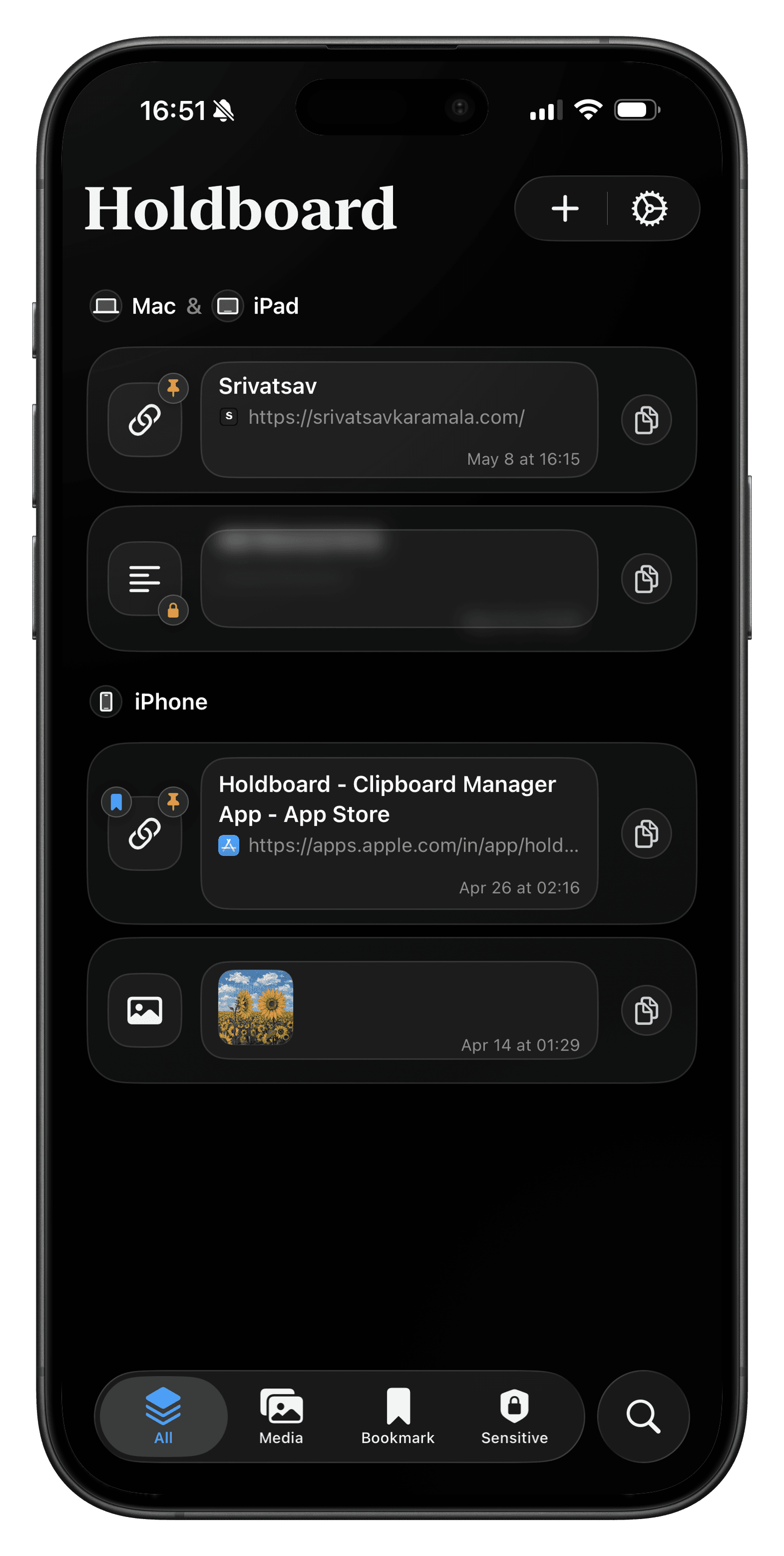
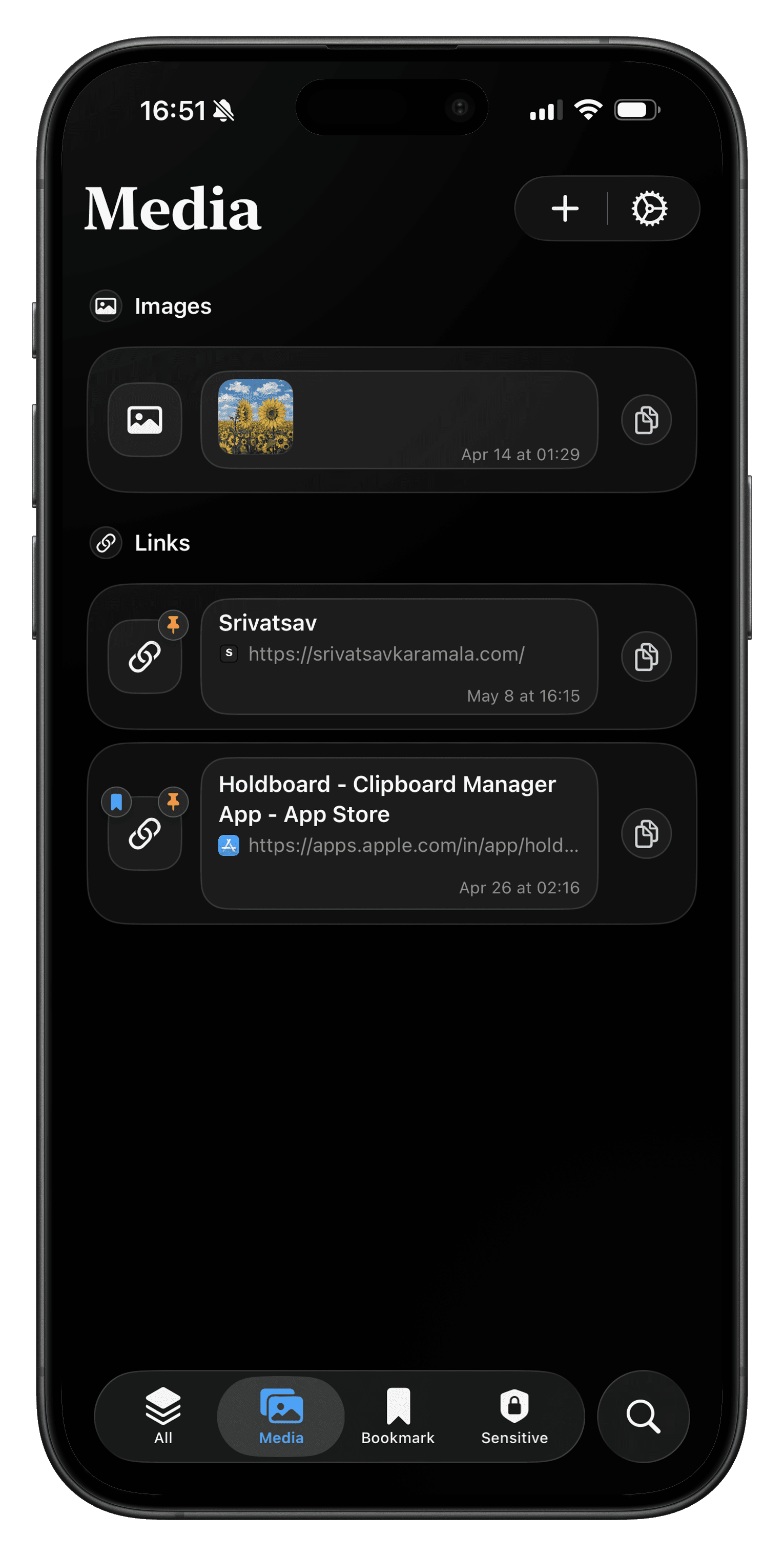
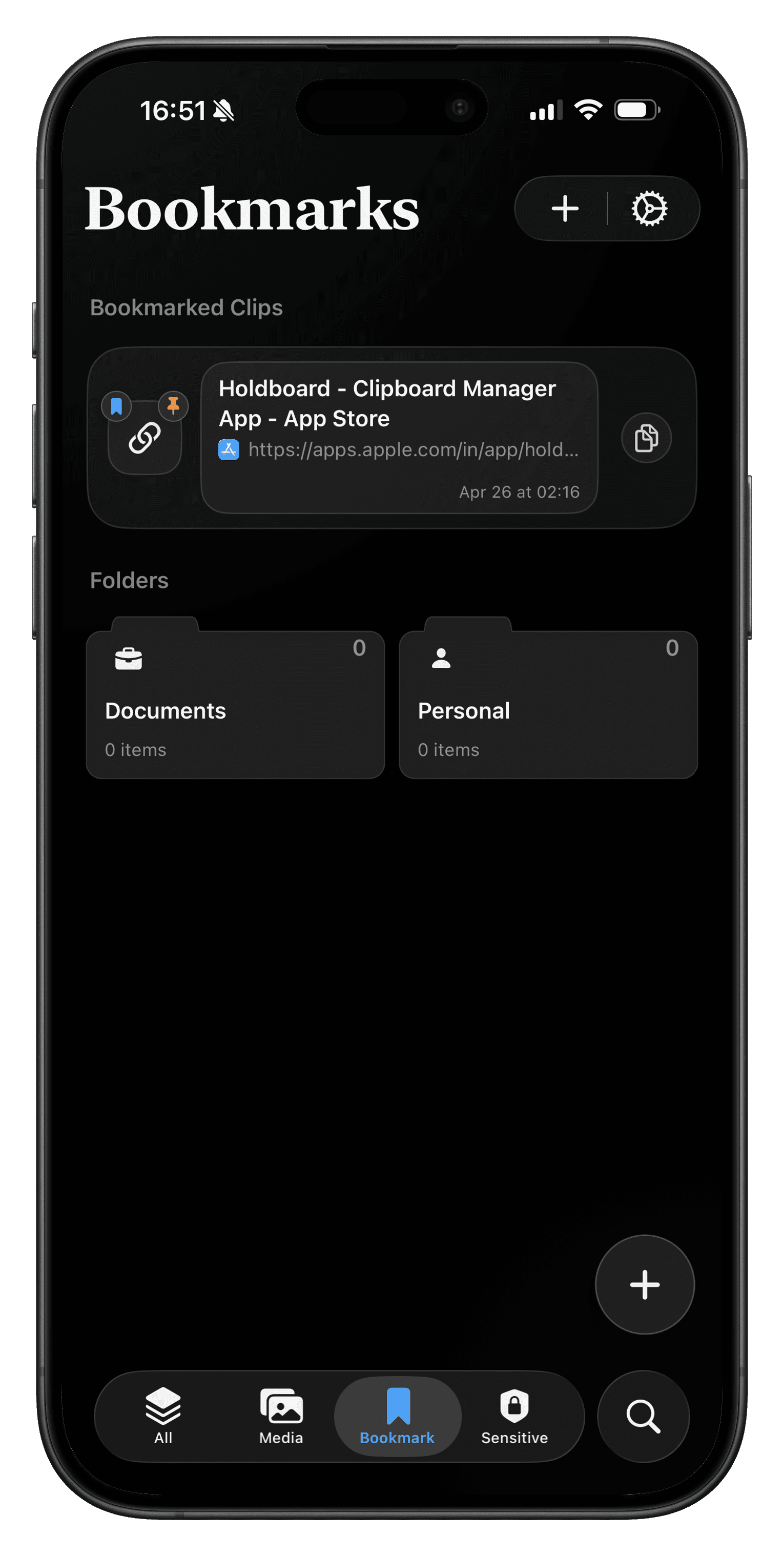
Holdboard keeps copied content organized so important clips are always easy to reuse. It combines secure storage, Face ID protection, and quick retrieval while typing. The workflow is designed for speed without sacrificing privacy.
$0.99 one-time purchase. No subscription.
App Previews
Tech Stack
Swift, SwiftUI, UIKit, Combine, UIPasteboard, App Groups, UserDefaults(suiteName:), App Group file storage, LinkPresentation, Darwin notifications, CloudKit hooks, and iOS 26 Liquid Glass APIs with system material fallback.
App Architecture
Main app uses SwiftUI App entry point with UIApplicationDelegateAdaptor. ClipboardStore is the source of truth for persistence, retention, bookmarks, sensitivity, and sync hooks. Keyboard extension uses a separate KeyboardClipboardStore for faster startup and tighter memory behavior.
- Main App → ClipboardStore → App Group storage → Darwin notification → KeyboardClipboardStore → KeyboardRootView
- Accepted duplicated projection code to keep extension isolated and fast.
Clipboard History
Holdboard uses UIPasteboard.general.changeCount to detect updates and normalize payloads into ClipboardItem. It supports text, links, images, GIFs, and fallback unknown items.
- Change count update → parse payload → dedupe/classify → persist metadata → save media bytes if needed → notify keyboard
- Media bytes are written to App Group storage so extension can access safely.
Keyboard Extension
Keyboard is hosted by UIInputViewController and renders through SwiftUI. Text clips insert via text proxy; image clips copy to pasteboard because direct binary insertion is not consistently allowed across host apps.
private func performPrimaryAction(for item: KeyboardClipboardItem) {
    if item.canInsert, let text = item.text {
        let result = onInsertText(text)
        showToast(result == .inserted ? "Inserted" : "Copied")
        return
    }

    if item.kind == .image {
        let result = onCopyImage(item)
        showToast(result == .success ? "Copied" : "Image unavailable")
    }
}
Links and Metadata
LinkPresentation resolves titles and icons for copied URLs. Keyboard caches metadata by item ID and falls back to host name or raw text when resolution fails.
Sensitive Clips
Sensitive clips are detected locally using heuristics for OTPs, tokens, passwords, and high-risk patterns. Clips can be redacted, locked, filtered in keyboard, and assigned shorter retention rules.
Realtime and Notifications
Darwin notifications are used as invalidation signals only. Keyboard receives notification then reloads from App Group storage.
- No payload transport over Darwin notifications.
- Shared storage remains the source of truth.
Input and Interaction Layer
Main app uses tabs, sheets, search, swipe actions, and gestures. Keyboard uses taps, long-press-safe actions, backspace repeat, and globe button handling with strict extension constraints.
Persistence and Sync
App and keyboard share metadata through App Group store. Large media payloads are saved as files in the App Group container. CloudKit hooks are optional; the core experience stays local-first and offline-capable.
UI System
Version 1.5.1 introduced grid tiles with native Liquid Glass styling. Custom heavy tile backgrounds were removed in favor of system glass/material for a lighter native keyboard feel.
extension View {
    func nativeKeyboardTileSurface(cornerRadius: CGFloat = 16) -> some View {
        modifier(NativeKeyboardTileSurfaceModifier(cornerRadius: cornerRadius))
    }
}
Performance Engineering
Keyboard startup is the tightest constraint. Non-critical work is deferred until after presentation. KeyboardImageCache stores thumbnail-sized previews so large screenshots do not get repeatedly decoded.
Release Engineering
Holdboard ships as two targets: main app + keyboard extension. For 1.5.1, marketing version is 1.5.1 and build is 7. App Group, keyboard entitlements/config, CloudKit, and Face ID usage descriptions are aligned across targets.
- Clipboard access and keyboard Full Access are the most review-sensitive areas.
Business and Product Constraints
Clipboard products require trust. Holdboard is local-first with optional sync and no mandatory backend path. Sensitive filtering and retention controls were designed to reduce risk for copied private content.
Development Workflow
Main app and keyboard extension were treated as separate product surfaces. This separation improved extension performance, reduced lifecycle bugs, and simplified feature iteration with clear boundaries.
© 2026 Srivatsav Karamala