Holdboard for macOS
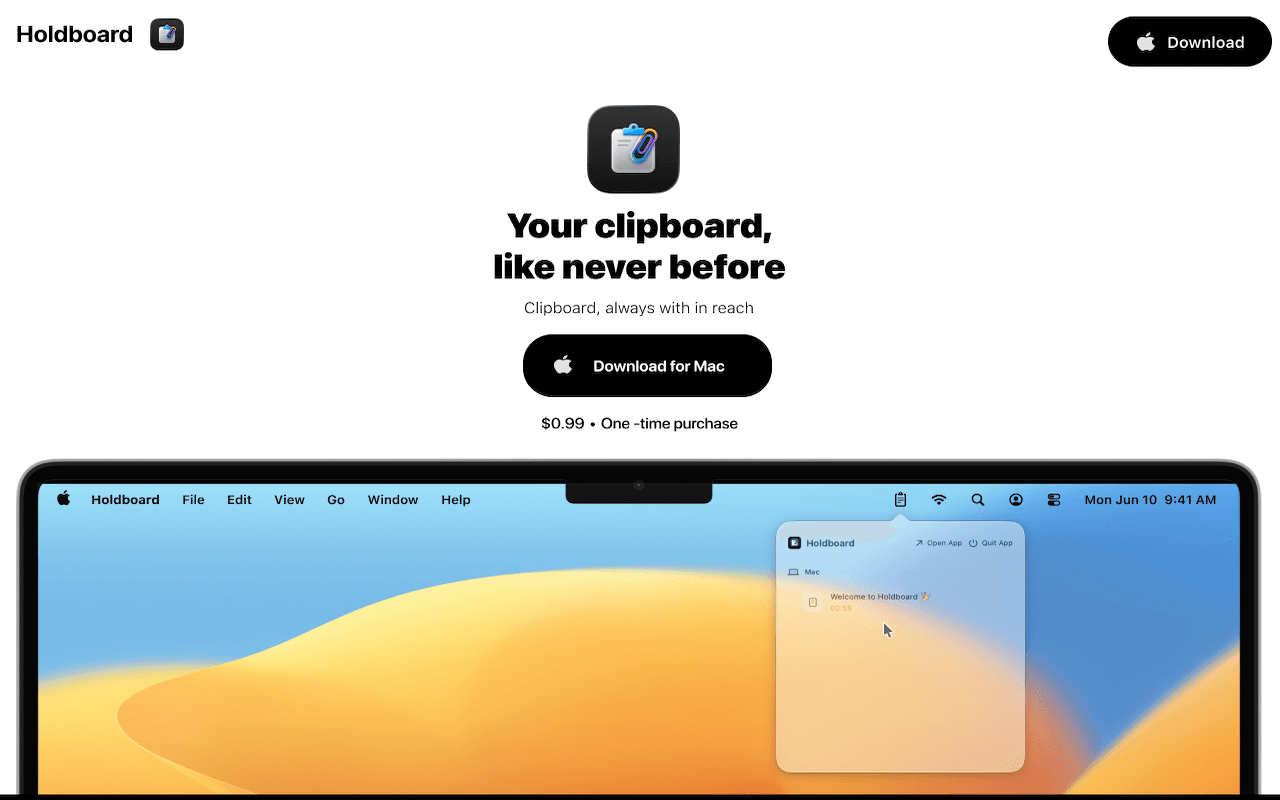
A native clipboard manager built for focus, privacy, and speed. Holdboard turns clipboard history into a system-like macOS experience that stays fast during real daily work.
$0.99 one-time purchase. No subscription.
App Previews
Tech Stack
Language: Swift 6. UI: SwiftUI with AppKit hosting. macOS APIs: AppKit, CoreGraphics, UniformTypeIdentifiers. Persistence: SwiftData. Sync: CloudKit. Global shortcuts: KeyboardShortcuts.
- SwiftUI shipped list-heavy UI fast.
- AppKit handled desktop semantics like NSStatusItem and NSPanel.
- SwiftData + CloudKit kept history local-first with native sync.
Menu Bar App Architecture
Holdboard is built around NSStatusItem as the primary interaction surface. Left click toggles the panel, right click opens native context menu actions, and outside-click monitoring closes the panel naturally.
statusItem = NSStatusBar.system.statusItem(withLength: NSStatusItem.squareLength)
statusItem?.button?.action = #selector(statusBarButtonClicked)
statusItem?.button?.target = self
statusItem?.button?.sendAction(on: [.leftMouseUp, .rightMouseUp])
Clipboard Monitoring
Clipboard capture uses NSPasteboard.general + repeating Timer polling. There is no push subscription API for general clipboard updates, so changeCount polling is the practical production path.
timer = Timer.scheduledTimer(withTimeInterval: 0.25, repeats: true) { [weak self] _ in
    self?.poll()
}

private func poll() {
    guard pasteboard.changeCount != lastChangeCount else { return }
    lastChangeCount = pasteboard.changeCount
}- Track NSPasteboard.changeCount and parse only on change.
- Hash payloads to suppress immediate duplicates.
- Handle text, URL, file URL, image payload branches.
Click-to-Paste
When a clip is selected, Holdboard writes it to NSPasteboard and can inject Cmd+V using CGEvent. This requires Accessibility permission, so permission checks and graceful fallback are part of the shipping path.
let pb = NSPasteboard.general
pb.clearContents()
pb.setString(text, forType: .string)

let src = CGEventSource(stateID: .hidSystemState)
let down = CGEvent(keyboardEventSource: src, virtualKey: 9, keyDown: true)
let up = CGEvent(keyboardEventSource: src, virtualKey: 9, keyDown: false)
down?.flags = .maskCommand
up?.flags = .maskCommand
down?.post(tap: .cghidEventTap)
up?.post(tap: .cghidEventTap)
Global Hotkey Implementation
Holdboard shipped with KeyboardShortcuts for stable global shortcut handling and maintainability.
extension KeyboardShortcuts.Name {
    static let toggleMenuBar = Self("toggleMenuBar")
    static let toggleShelf = Self("toggleShelf")
}- Repo: https://github.com/sindresorhus/KeyboardShortcuts
- Supports native recorder UI, remapping, and low maintenance.
Floating Shelf Panel
Shelf uses NSPanel configured as non-activating so users can keep typing in another app while interacting with clipboard history.
- .nonactivatingPanel configuration
- Floating utility behavior across desktop spaces
- Drag-safe interaction handling
Source App and Device Tracking
At capture time, Holdboard snapshots NSWorkspace.shared.frontmostApplication and stores source bundle ID, source app name, and inferred source device class (mac, iphone, ipad, unknown).
Data Storage + iCloud Sync
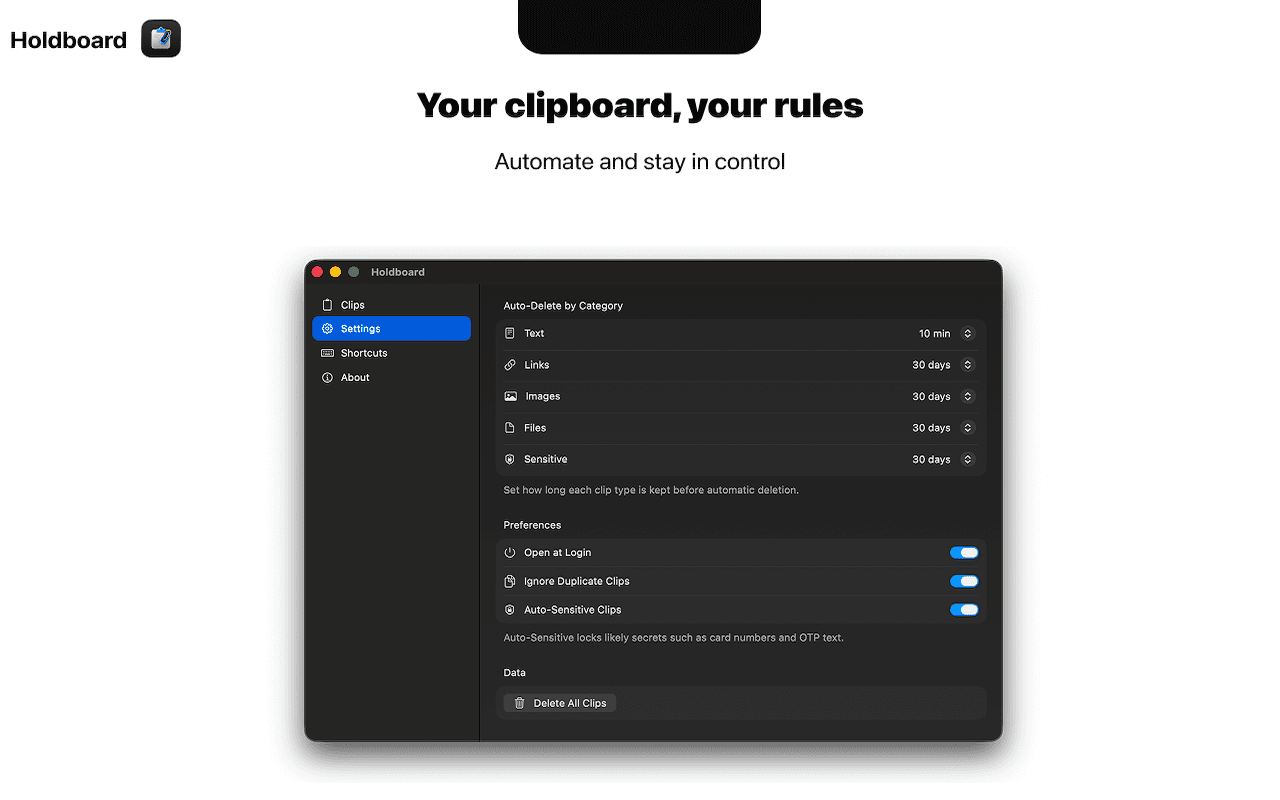
Clips are stored in SwiftData with fields for payload, timestamp, source metadata, sensitivity/pin state, and dedupe hash. Sync runs through CloudKit.
- Production issue fixed: Field "recordName" is not marked queryable.
- Used safer fetch flow with desiredKeys: nil where needed.
Universal Clipboard Edge Cases
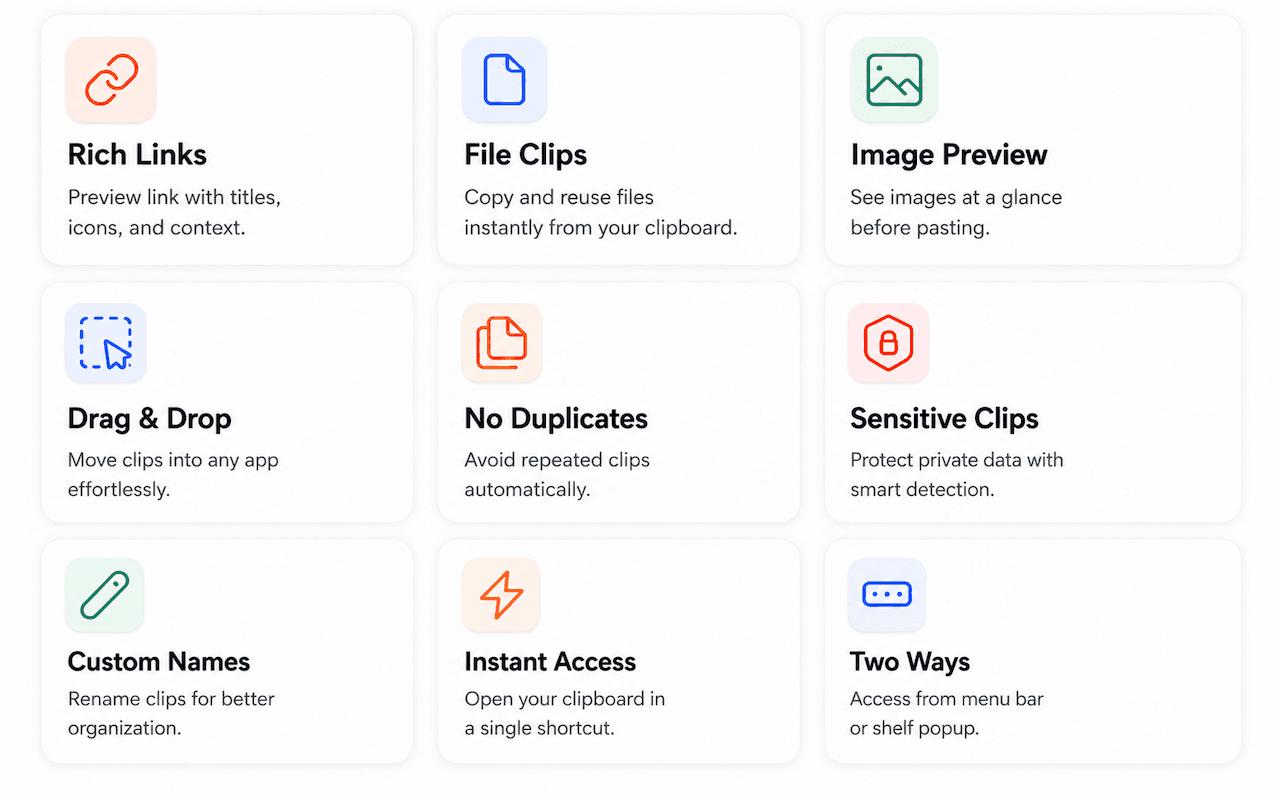
iPhone image copies can arrive as file-style payloads or delayed bytes. Holdboard now promotes image-conforming file URLs into image clips and retries delayed image extraction windows.
- Use security-scoped reads for file URL payloads.
- Validate decoded image data before storing.
- Unify local Mac and iPhone image rendering paths.
UI Architecture
UI is SwiftUI-first, AppKit-managed for window semantics. Compact row design, section grouping, and top-level search optimize retrieval speed in large histories.
App Store Submission Notes
Holdboard faced rejection under guideline 2.3.7 and passed after metadata cleanup: tighter claims, platform-correct wording, and stable review flows.
- Clear permission rationale for Accessibility paths.
- Reliable menu bar quit/open behavior.
- No broken actions in review walkthrough.
Business Model
Holdboard is a one-time purchase with no subscription. For utility apps, predictable ownership reduced user hesitation and support friction.
Solo Build Workflow
Built solo using Codex as implementation partner with strict prompt quality and acceptance criteria.
- Define exact behavior and edge cases.
- Implement directly and run local builds.
- Fix regressions immediately and repeat.
© 2026 Srivatsav Karamala